Read2Earn Cointribune: How to start?
The Read2Earn Cointribune opens the door to a new way of interacting with information. The principle is based on a simple system: the user reads content, completes quests, and receives rewards convertible on the dedicated marketplace. This mechanic creates a motivating experience where each action offers a tangible advantage. To fully enjoy the program, account configuration plays an essential role, as it unlocks access to quests and points. This guide explains each registration step to help the user enter the Read2Earn ecosystem without blockage and with a clear understanding of the journey.

Getting started with Cointribune’s Read2Earn
Want to get started with Cointribune’s Read2Earn? This guide will walk you through the process of creating your account, setting up your profile, and accessing your first quests with ease.
1.a. Create access with email and password
- This first step lays the foundation for your future Read2Earn account. Users will see the home screen with the message Welcome to Read2Earn! and access a form that is essential for the next steps. This step creates the main ID for the program and determines all future progress.
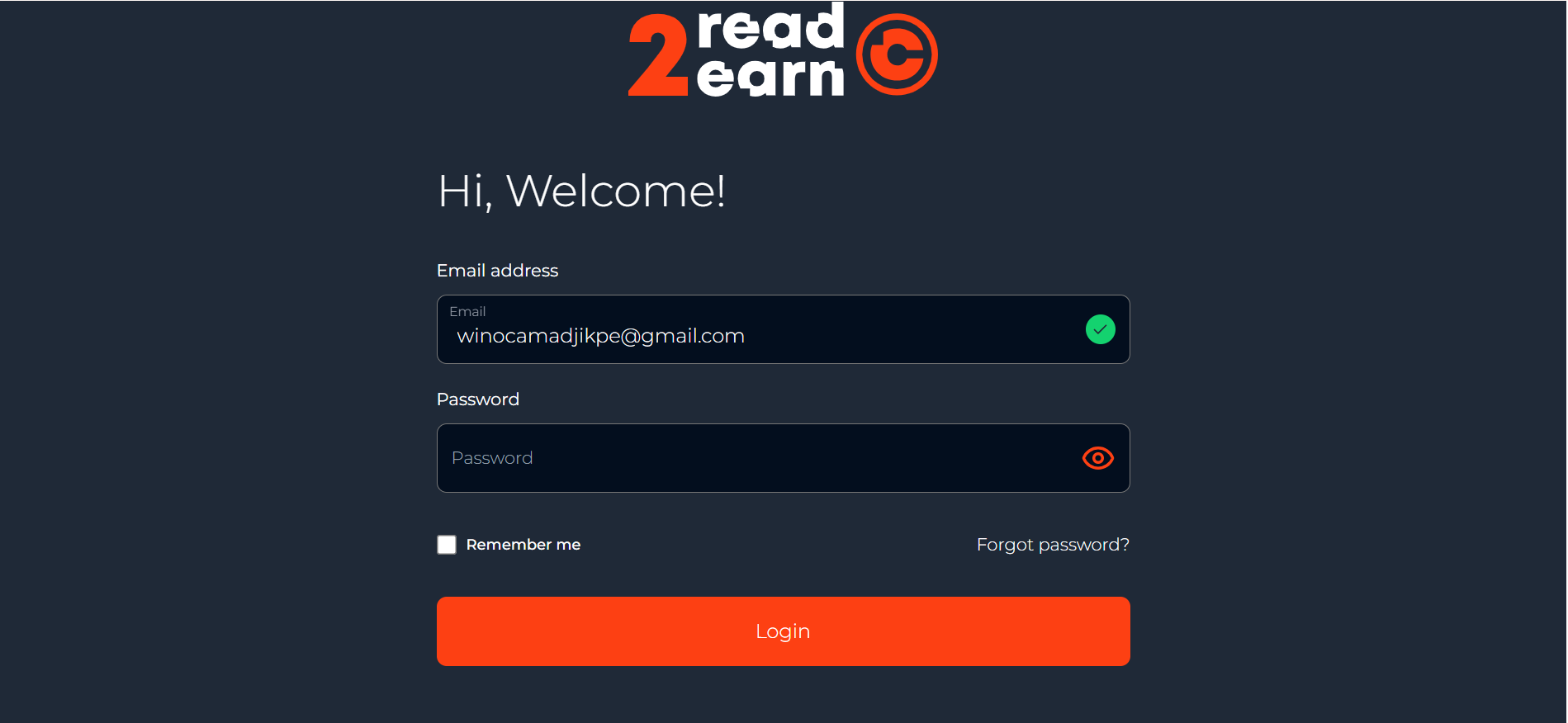
1.b. The home screen
The form has three fields to fill in:
· email address, which serves as a unique reference for the entire procedure;
· password;
· password confirmation.Together, these form the participant’s personal access details. The password chosen must be sufficiently secure to prevent any intrusion. A combination of letters, numbers, and special characters provides greater protection.
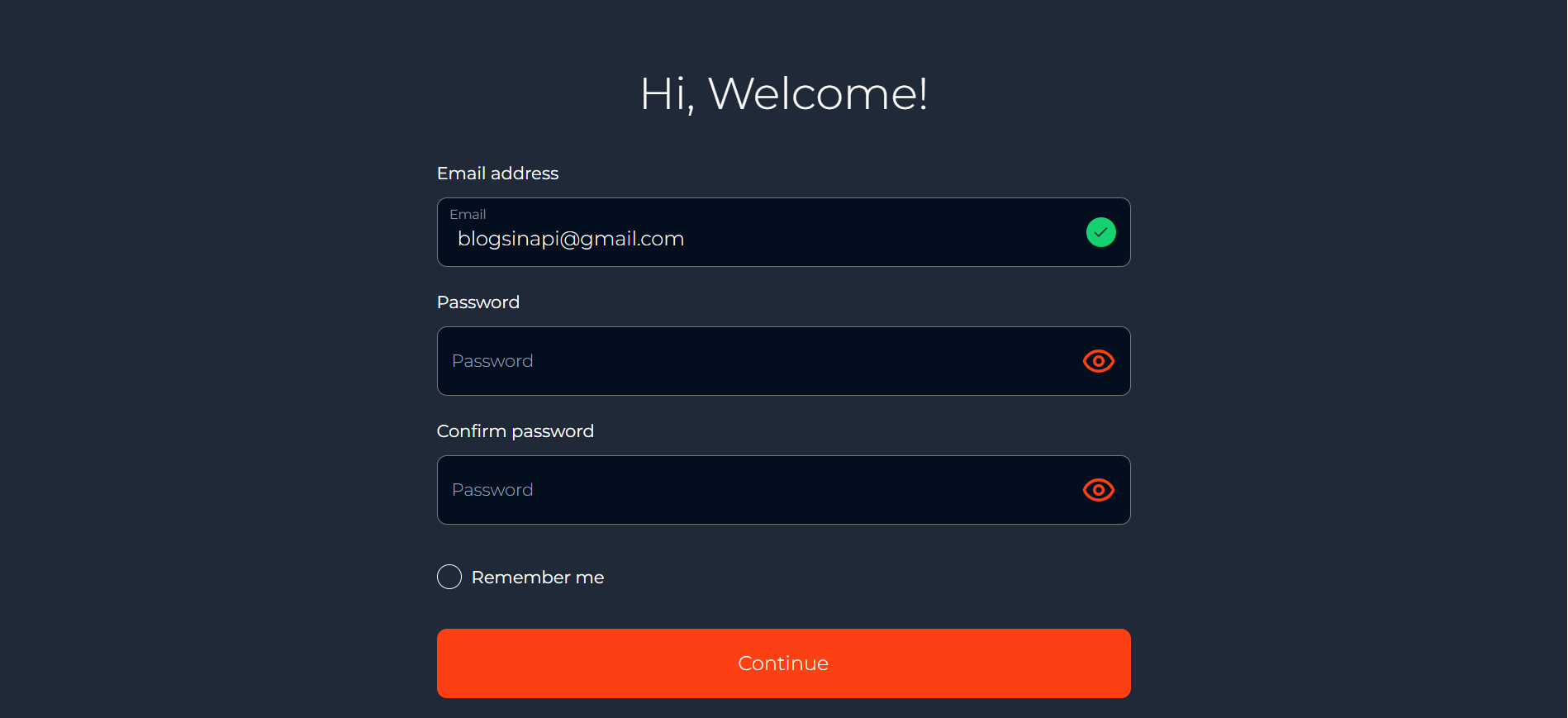
1.c. Internal validation of this first step
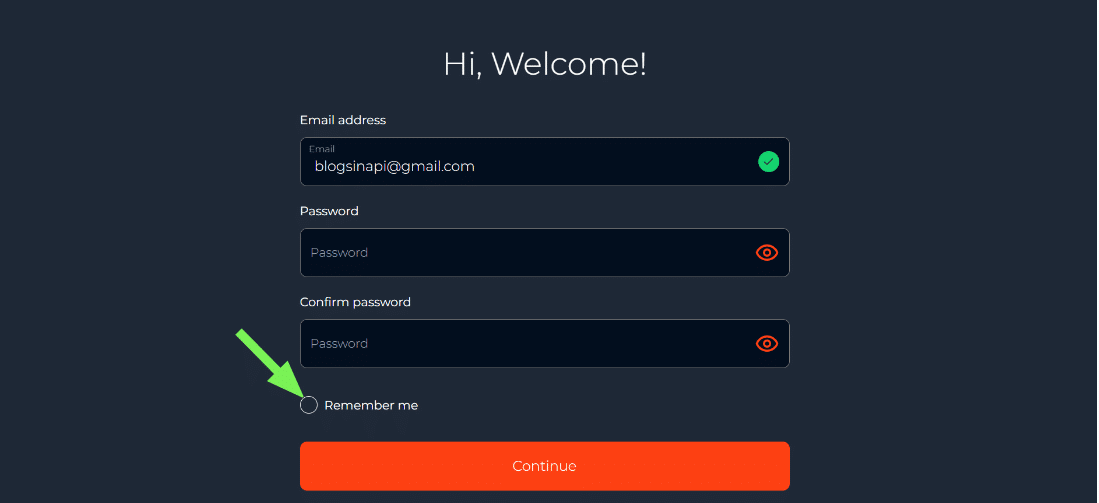
- Once the three fields have been filled in, the user can select Continue to proceed. They can also enable the Remember me option to simplify future logins. The email address must be accurate, as it will be used to send the final code.
2.a. Presentation of the “Create your profile” page
- The next step takes place on the Create Your Profile page. It allows the program to personalize the Read2Earn experience. This part of the journey structures the identity of the future user.
- The form displays several fields to be completed. This step is crucial, as it determines access to quests and rewards. The platform uses this information to validate participation.
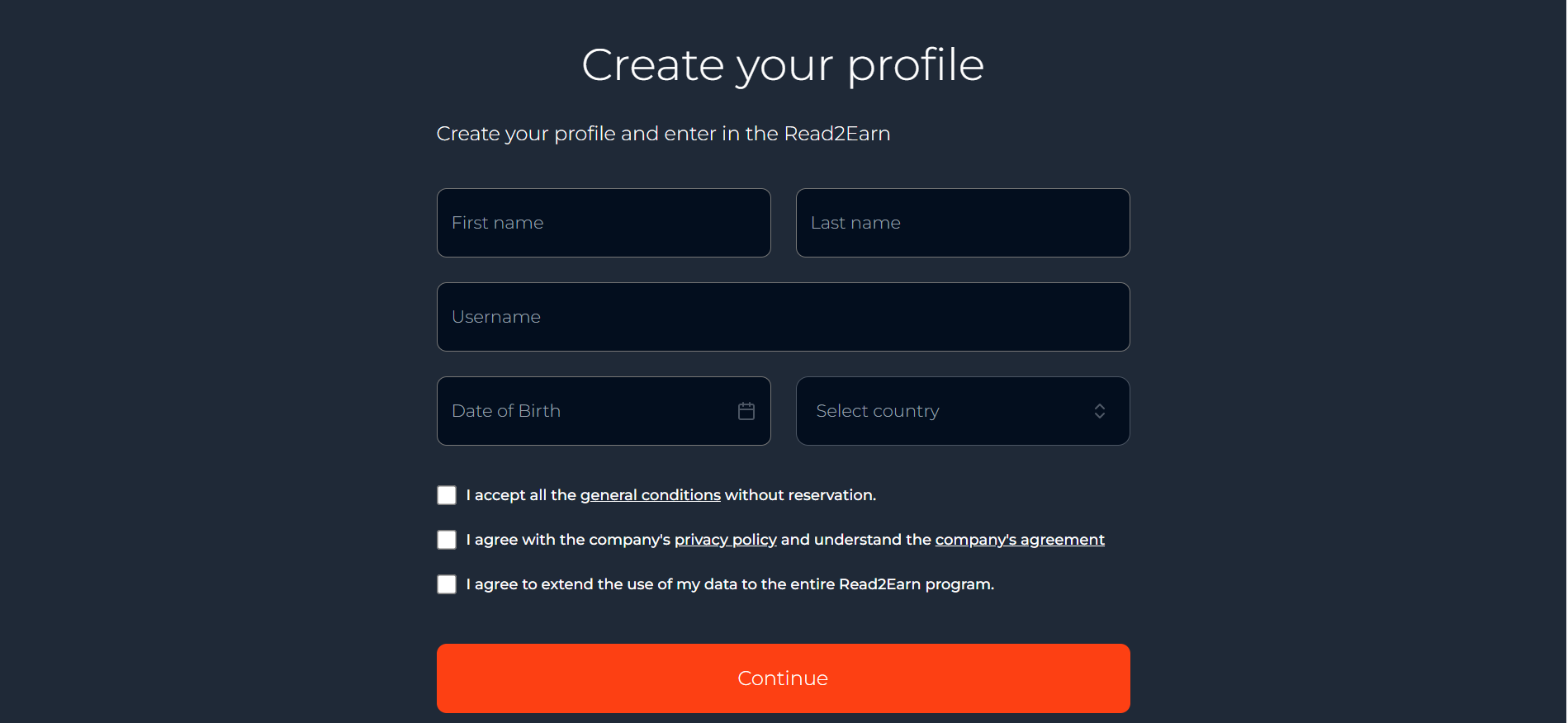
2.b. The five mandatory fields to be completed
- The user must first enter their first name, then their last name. They then choose a unique username that will serve as their visible identifier. The date of birth must be in the correct format to avoid validation errors. The last field concerns the country of residence, selected from a drop-down list. This set of information ensures a complete configuration.
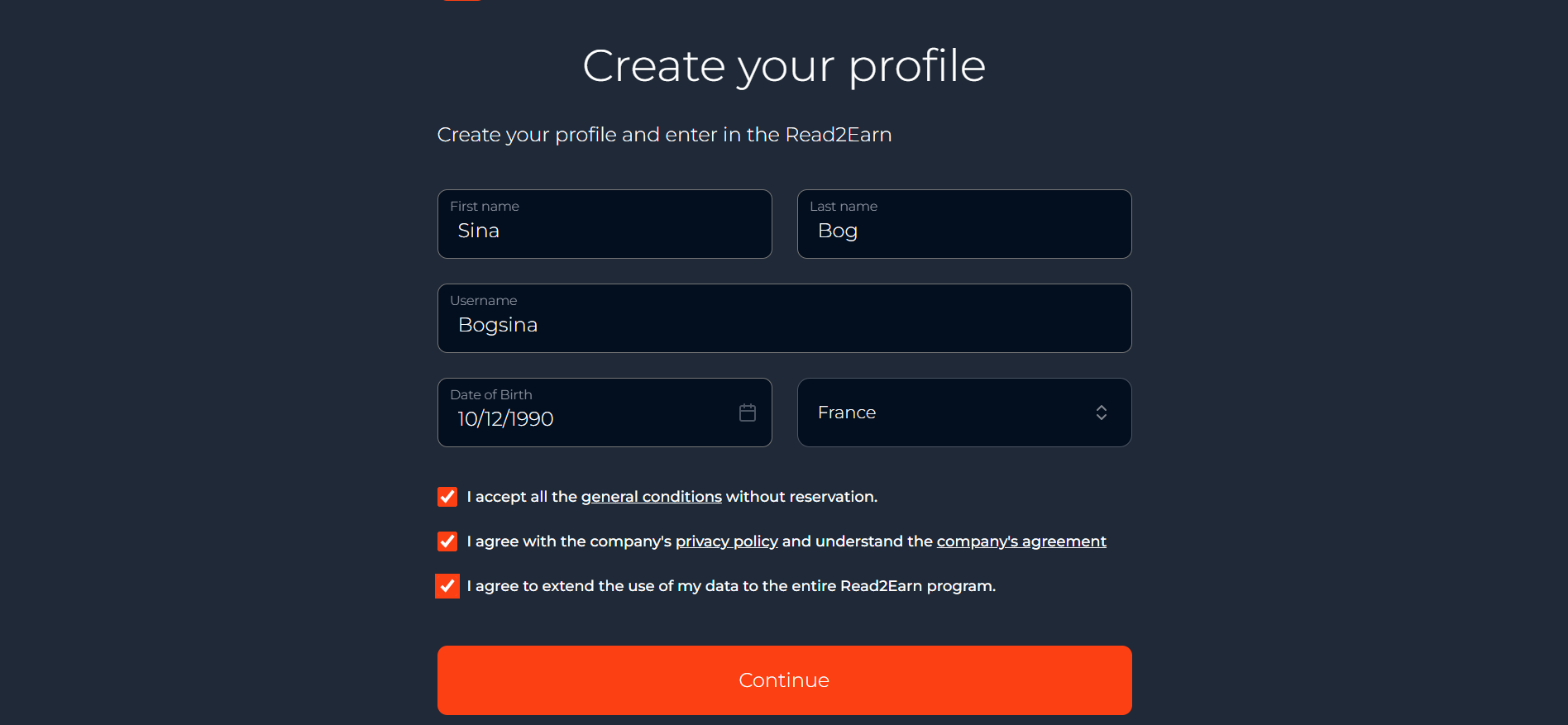
The bottom part of the form contains three boxes to check:
· The first one concerns the terms and conditions.
· The second one refers to the privacy policy.
· The third one authorizes the use of data within the Read2Earn program.Without these confirmations, registration cannot continue. They guarantee clear adherence to the program rules.
💡 Tips:
Several errors may prevent access to the Continue button. · A username that is already in use; The user must therefore check each field before continuing. This vigilance avoids unnecessary backtracking.
· An incorrect date of birth or an invalid format;
· A box that has not been checked or a field that has not been filled in.
2.c. Confirmation and moving on to the next step
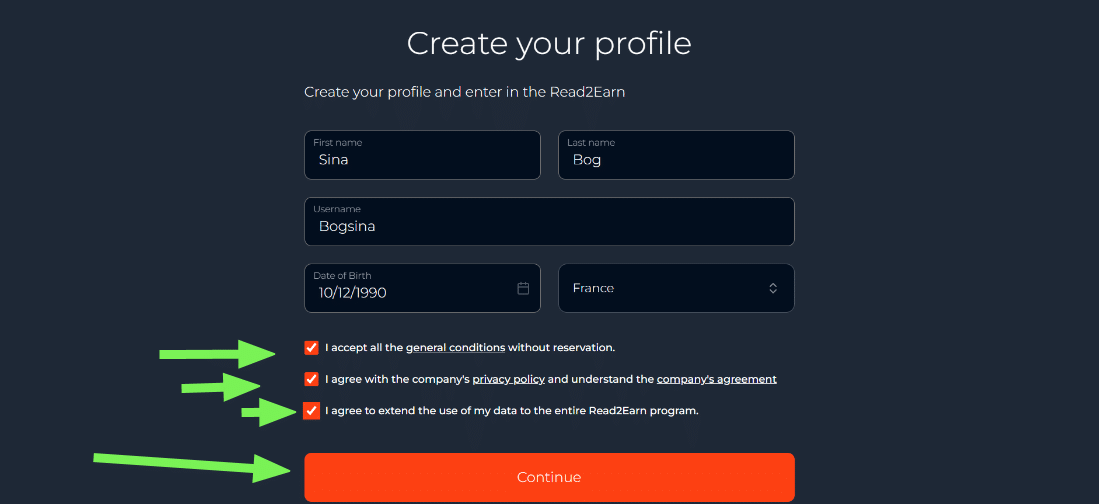
- When all the information is valid, the Continue button appears in orange. Once selected, it confirms the form and redirects the user to the screen dedicated to final account verification. This step completes the profile.
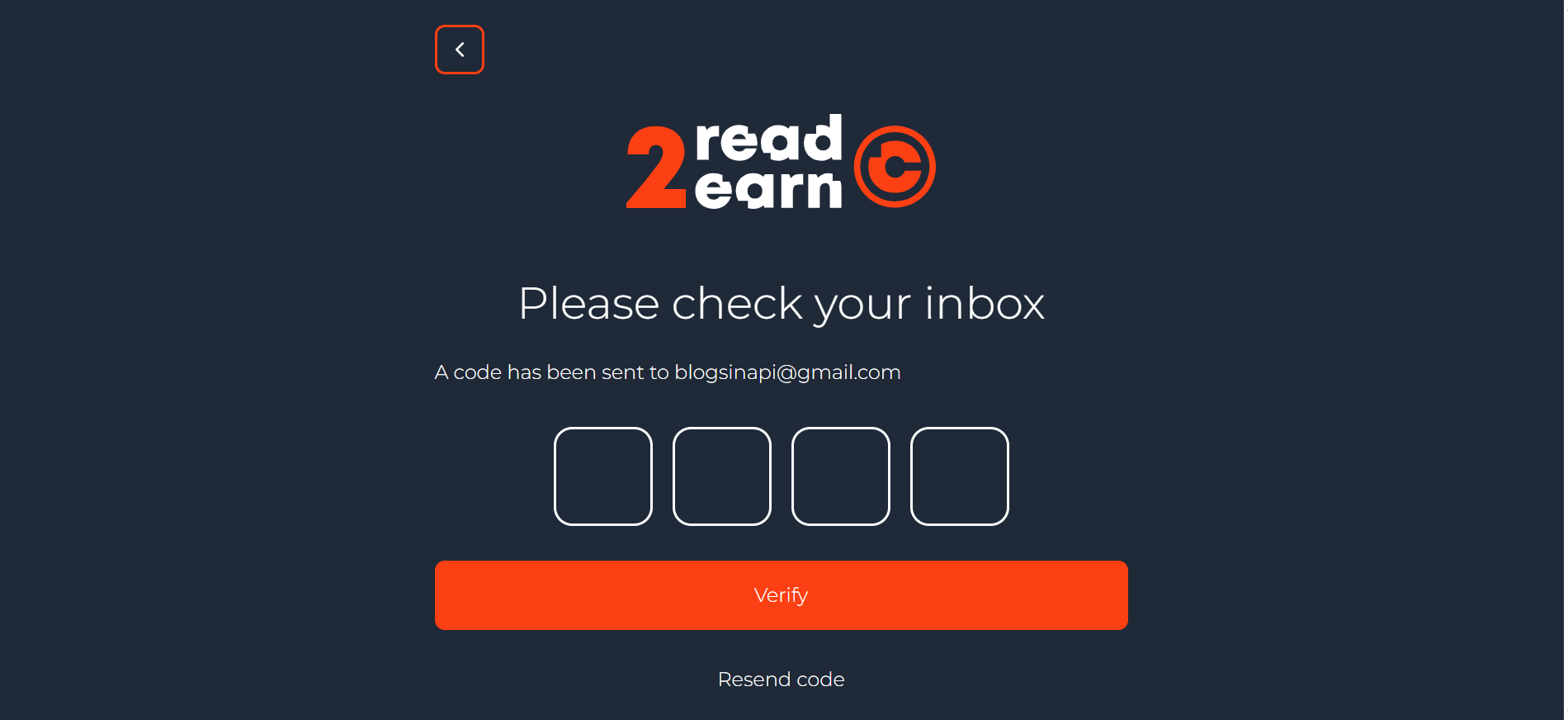
3.a. The “Please check your inbox” screen
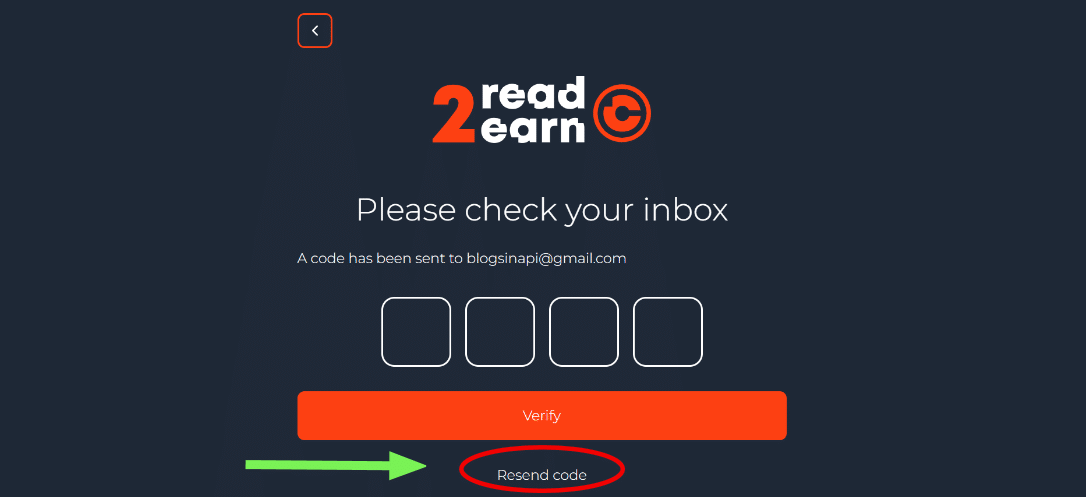
- A new page invites the user to check their email. A message indicates that the code has been sent to the address provided in the first step. A series of four boxes appears, ready to receive the numbers. This ensures account security and confirms the authenticity of the email address.
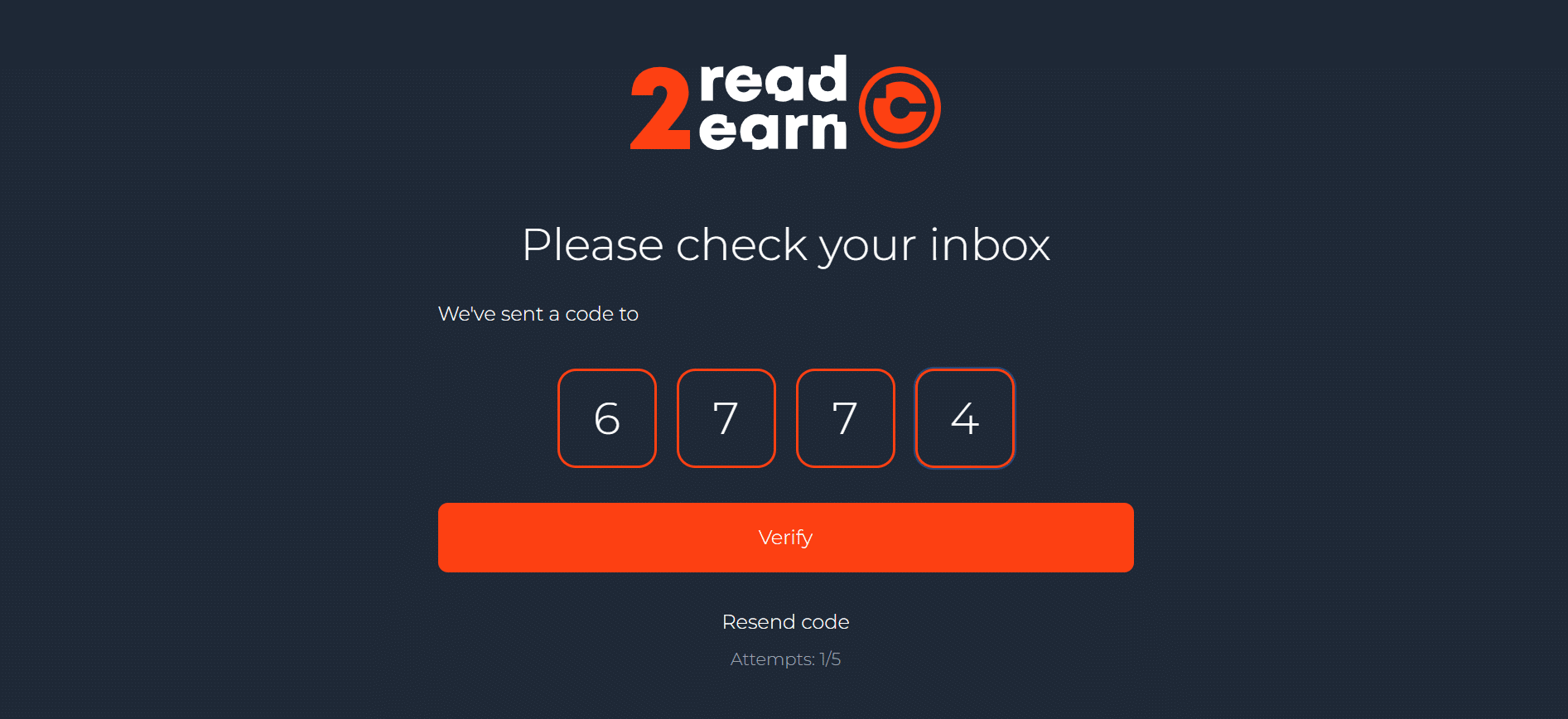
💡 Tips: The participant must enter the four digits accurately. The code remains valid for a limited time, which encourages them to enter it without delay. Once the fields have been filled in, the Verify button becomes available. This confirms the creation of the account.
3.b. The “Resend code” option
- The Resend code option allows you to receive a new code. It is used when no email arrives, when there is a long delay, or if there is an error in the first code. This alternative removes blockages and facilitates validation.
3.c. Account validation and full activation
- After verification, the profile is saved and the information provided is immediately activated. The user can then access their dashboard, start quests, and earn their first points. This final step officially opens the door to the Read2Earn experience.

4.a. What the user sees first
- The dashboard appears immediately after entering the application. The user sees their points balance, which starts at zero. Available quests appear in the dedicated section. The profile status is also displayed, with the option to check settings or finalize certain adjustments. This interface serves as the starting point for all progress.
💡 Tips: It is essential to check that all the information in your profile is correctly recorded before proceeding. The best way to start is to launch a quest. Read the article until the tracker turns green, then answer the associated quiz. The first points will then appear in your balance. This initial success shows that every action produces a reward.
4.b. An interface designed to guide each reader
- The Dashboard is structured around three key areas that guide the user experience. Users immediately see a simple, fluid display, making it easy to understand how everything works. This quick start gives a sense of continuity after the registration steps.
4.c. Hot News to read and win quickly
- The first visible section is Hot News. It brings together a selection of recent articles on crypto news. Each card shows the number of points awarded for reading the entire article. This motivating presentation encourages users to discover the news while accumulating their first points. The read button leads directly to the article linked to the tracker.

4.d. Special quests to explore crypto and Web3 projects
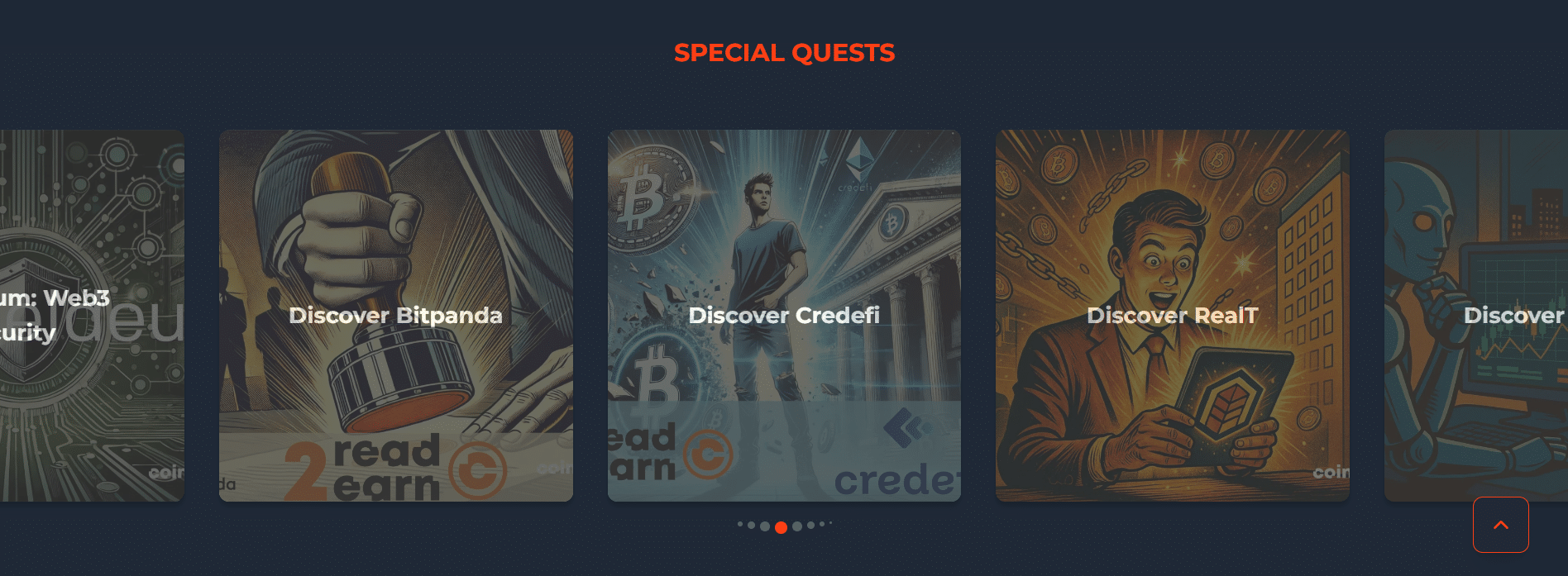
- The second part of the Dashboard highlights special quests. This section offers a set of missions related to the Web3 universe, DeFi protocols, innovative platforms, and partner services. These quests allow users to discover new projects and earn more points. This playful variety enriches the experience and creates an exploratory dimension for the user.
4.e. Classic quests to learn the basics
- The third area brings together classic quests. These include educational missions focused on the basics of cryptocurrencies, security, wallets, and essential Bitcoin concepts. The quests are designed for beginners as well as experienced users who want to strengthen their knowledge. This structured approach ensures consistent progress within the program.
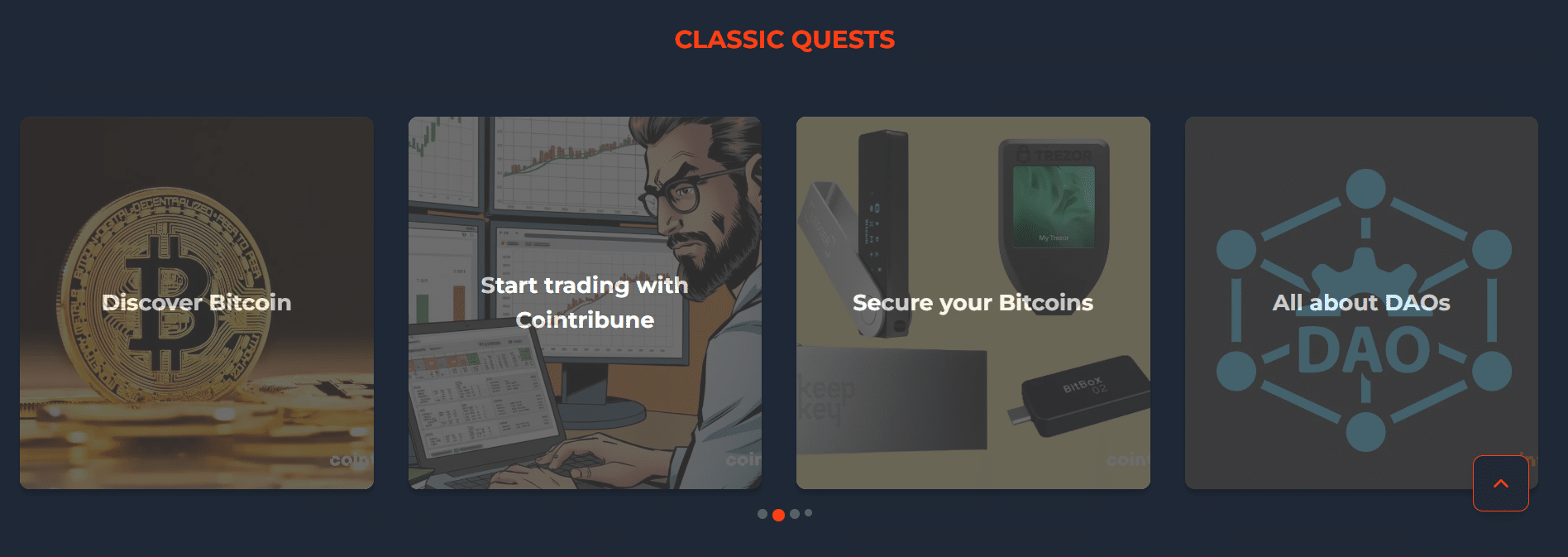
- Each card clearly displays the number of points awarded. Users can identify the reward before even opening the quest. A consistent color scheme and stable design make it easy to spot available missions. This immediate readability contributes to a simple and enjoyable experience.
The registration process follows a simple logic passing through email and password access, profile creation, then code verification. A complete profile unlocks all quests and the rewards provided by Read2Earn. This program becomes useful from the very first participation. The user can then explore the platform, follow educational quests, and accumulate points from the first readings. This progression lays the foundation for a rewarding experience.

FAQ
Changing the username is not always available depending on the version of the program. It is therefore recommended to choose a definitive identifier at registration. If needed, support may provide a solution depending on the case.
Refreshing or scrolling too fast can block the progress. Usually, simply re-reading the page slowly to the bottom restarts the filling. If the problem persists, changing the browser or clearing the cache may solve the blockage.
Access remains limited as long as the profile is not completed. Some quests or rewards only unlock with a fully validated profile. To avoid restrictions, it is better to fill each field from the start.
Maximize your Cointribune experience with our "Read to Earn" program! For every article you read, earn points and access exclusive rewards. Sign up now and start earning benefits.

Diplômé de Sciences Po Toulouse et titulaire d'une certification consultant blockchain délivrée par Alyra, j'ai rejoint l'aventure Cointribune en 2019. Convaincu du potentiel de la blockchain pour transformer de nombreux secteurs de l'économie, j'ai pris l'engagement de sensibiliser et d'informer le grand public sur cet écosystème en constante évolution. Mon objectif est de permettre à chacun de mieux comprendre la blockchain et de saisir les opportunités qu'elle offre. Je m'efforce chaque jour de fournir une analyse objective de l'actualité, de décrypter les tendances du marché, de relayer les dernières innovations technologiques et de mettre en perspective les enjeux économiques et sociétaux de cette révolution en marche.
The views, thoughts, and opinions expressed in this article belong solely to the author, and should not be taken as investment advice. Do your own research before taking any investment decisions.